Pads & mapping
The grid, banks, MIDI, the pad mapper, and how a pad plays.
A sampler earns its keep in the half-second between your finger and the sound. This page covers getting clips under your fingers; the next covers shaping what happens when you press.
Keyboard and MIDI
The 40-pad grid maps to your Mac keyboard’s four letter rows out of the box. Plug in a MIDI controller and pads map to notes; knobs and buttons can bind to app controls — tap tempo, looper gestures, bank switches — through Settings → Shortcuts & MIDI.
Mappings layer the way you’d hope: global defaults, with per-project overrides when one project needs a different hand position.
Banks
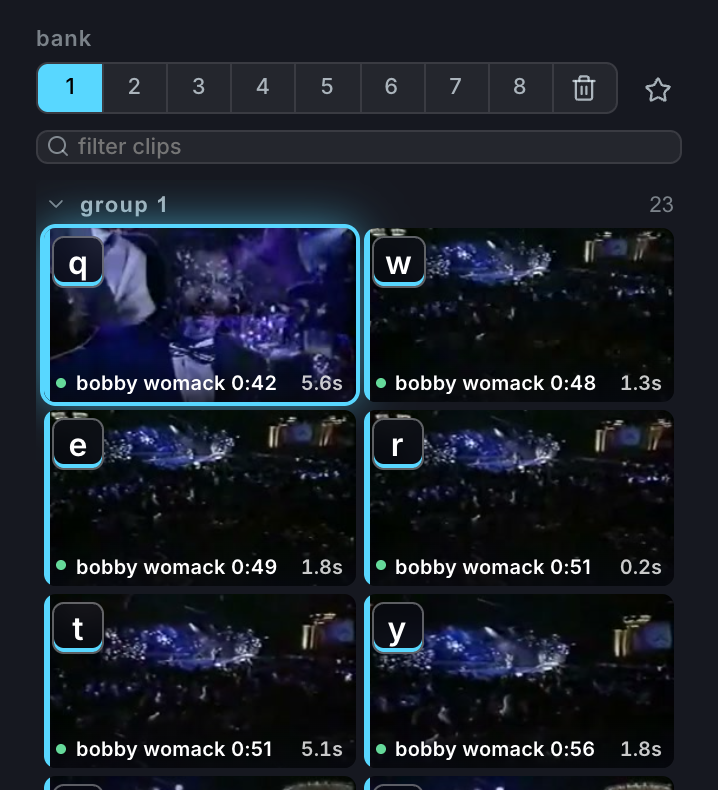
Eight banks of 40 pads give a project 320 places to put something. Bank 0 is the Trash: Delete moves the selected clip there rather than destroying it, and Rerack bank after deleting a clip (on by default) closes the gap it left. Turn reracking off when pad positions are choreography you don’t want rearranged.
The pad mapper
Drag a chop from the material library onto the Pad mapper, or open it with the keyboard button beside the canvas guides. The full-width tray covers the live strip, capture controls, and camera dock while the stage scales above it.
- Choose the destination bank before dropping. Moving a placement to another bank moves the chop with it, keeping compatible MIDI assignments.
- Toggle MIDI to swap the letter keys for a 4×4 note grid. Playing your controller lights the matching pad and brings out-of-range notes into view; the arrows browse the full MIDI range, and you drag onto a note exactly as you would a letter.
- Keyboard and MIDI placements are independent, so one chop can keep both.
- The mapper stays open after a drop so you can place several chops in a row. Close it when you’re done, or turn on Close HUD after map drag in Settings.
The session panel lists recent placements and tracks pad edits. Reset session returns every placement and pad override to the state from when you opened the mapper. A mapped chop’s inspector names its bank and key, and a dot beside a control marks a pad-specific override.

Playback modes
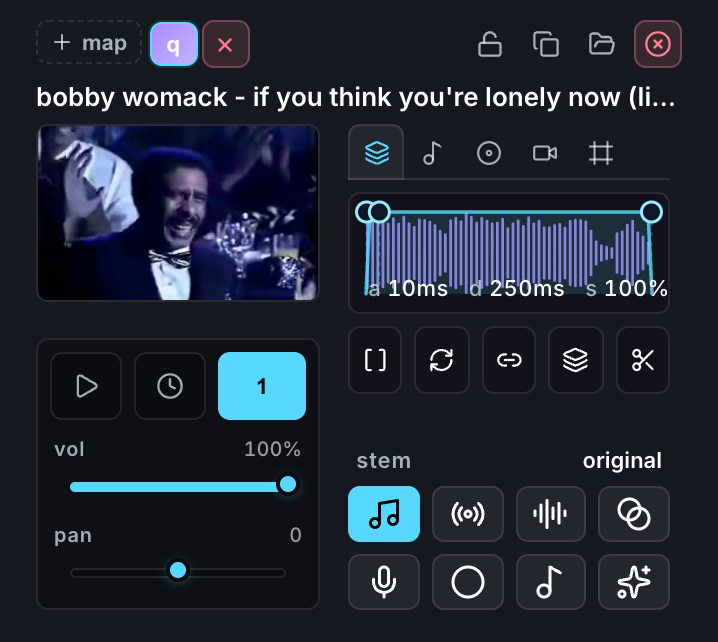
Each pad plays its clip one of three ways:
- One-shot — press and it plays through. The bread and butter.
- Gate — sounds only while held. For long textures you punch in and out of.
- Loop — toggles on and repeats until toggled off. The backbone of live looping.
Mute groups
Put pads in the same mute group and each one chokes the others when triggered — monophony, for a bassline chopped across eight pads. Groups are also the canvas layer order, so the arrangement you make for your ears is the arrangement you get for your eyes. See Core concepts and The canvas.
The feel
Under the hood there’s a polyphonic voice pool, per-voice video elements, and audio scheduled on a sample-accurate clock. None of which you need to know, except as a promise: pads speak when you press them. If something ever feels late, that’s a bug, not a philosophy.