The Song Board
Sections, Focus and Rehearse, the Roadmap, and Run Takes.
You can build a Verse and a Chorus as separate looper sessions long before anything says they belong to the same song. The Song Board is the small layer that says so.
It isn’t a DAW timeline. Nothing gets flattened into a clip, and nothing gets rendered until you ask. Three objects:
- A Section is reusable material — Verse, Chorus, Bridge — pointing at one finished looper session, or at a chop you dragged in.
- A Roadmap is an ordered plan: Section references and repeat counts.
- A Run Take is the performed trip through the song.
Open the board from the capture rail beside the live strip, or from the Song button in the capture editor’s timeline toolbar.
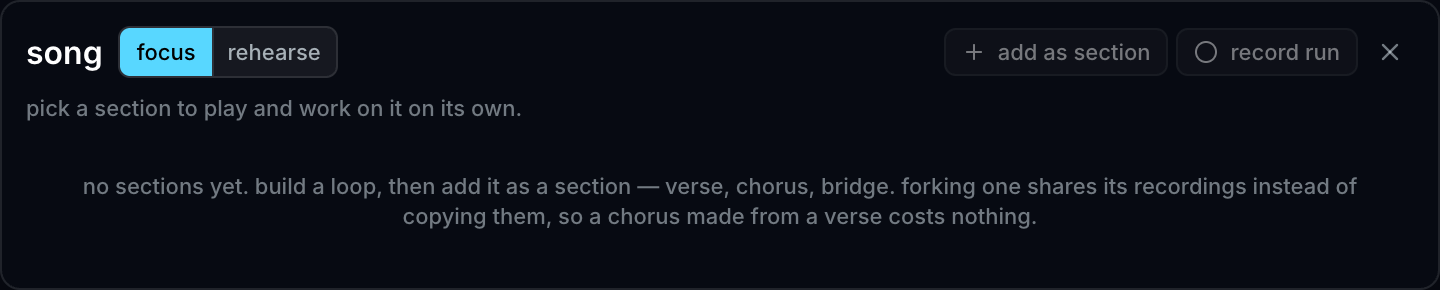
Sections
There are two ways to make one.
Add as Section promotes the looper session you’re looking at. Only a finished, intact session qualifies, and you’re told why at the moment you try rather than later when a card refuses to play.
Or drag a chop in. Anything in your clip list can be a Section: drop it on the deck to add it as material, or straight into the Roadmap to add it and place it in the set list in one gesture. You don’t have to perform something into the looper before a song can start — a four-bar drum chop is a perfectly good bed to sing over.
A chop Section is an ordinary Section in every way that matters. It cues,
rehearses, records into a Run, and Continue takes it into the live looper
to overdub on — which is often the real point of dragging one in. Its card
reads chop where a performed Section counts its layers, until you record a
pass onto it.
Two things to know about the drag:
- Its loop is the chop, exactly. A 3.87-second chop is a 3.87-second Section. Nothing is padded out to a bar line, so if you want it bar-accurate, cut it that way in the chop editor where the beat grid is already drawn.
- The drop freezes the chop as it sounds right now, including the pad it’s mapped to — a chop sitting on a quiet, half-speed, stem-swapped pad becomes a Section that sounds like that pad. Edit the chop afterwards and the Section doesn’t change, because a Section a Roadmap names has to keep meaning what it meant. Drag the edited chop in again and you get a second Section with the new sound, beside the first. Drag it in unchanged and you just get another Roadmap step — no duplicate card, no duplicate recording.
Each card states its own condition in words: Ready, Preparing, Queued, Playing, or Unavailable. A card whose underlying recording has changed reads Source changed and carries its own repair — Re-freeze at current version in the ⋯ menu.
Card actions:
- Focus plays one Section on its own, indefinitely. This is the work-on-it mode.
- Edit opens the Section in the capture editor.
- Continue loads it into the live looper to overdub on.
- The ⋯ menu adds Fork as new Section, Add to Roadmap, Rename, Move, and Remove from Song.
There’s no Delete on a card, deliberately: removing a Section leaves the recording in Sessions, and only then does deleting it become possible at all.
Sections are frozen
Editing a Section forks it first, and repoints the Section only once the edit is committed. Material you’re rehearsing can’t change underneath you mid-song.
The same promise covers a Section made from a chop, and it goes further than you might expect: the Section keeps its own copy of the chop’s media, so re-cutting that chop — or deleting it outright — leaves the Section playing exactly what you dropped in.
That’s also why Make clip lives inside Edit rather than on the card: the fork’s Versions rack is where artifacts come from, and a direct route would have to open the frozen parent for writing.
Focus and Rehearse
Focus is one Section on its own. Rehearse keeps one clock running and changes Sections at musical boundaries.
One launch rule, and it’s the same one quantized launch uses on pads: a cued Section replaces the current one at the next boundary of the Section that’s currently playing. The target’s own length is irrelevant to when the handoff happens.
Two properties worth trusting:
- A Section is ready as a unit or it doesn’t launch. Every lane is decoded before the cue is promised. A target still preparing when its boundary arrives does not half-start — the current Section repeats and the same target takes the next boundary. Almost-ready isn’t a musical state.
- A Section change doesn’t stop you. Live pads and live input keep going; only the outgoing Section’s own layers leave.
Four board gestures are MIDI-bindable: next Section, previous Section, cancel cue, and the Focus/Rehearse toggle. They bind as app controls, not pad mappings, so a sample pad never silently changes meaning when the board opens.
The Roadmap
The Roadmap is a horizontal row of tiles, and it’s a transport as well as a plan.
- Drag a Section card into the row to insert it at the seam nearest your pointer — or drag a chop straight in from the clip list, which makes it a Section and places it in the same motion. Drag a tile to reorder. The arrows do the same thing from the keyboard.
- Press a tile to play from that step — starting the Song if nothing is playing, or cueing the current Section’s next boundary if something is. A tile press also leaves Focus for Rehearse, since a set list is precisely what Focus is not.
- Each step has a repeat count and a Manual / Auto choice. Manual is the default: the count is a rehearsal cue and the current Section keeps looping until you cue the next. Auto advances by itself, and only while the step it’s leaving asked for it — so a manual step inside an automatic Roadmap still holds.
A direct cue takes the next occurrence of that Section rather than jumping back to the top.
Run Takes
A Run is the performed trip through the song: one continuous recording — external input, the internal mix, your camera, and pad triggers — that crosses Section changes, plus a log of which Section owned the stage when.
Record Run on the board starts it and puts the transport in Rehearse. Stop Run opens the result in the capture editor with a Section lane alongside your waveforms and camera material.
- Singing over Sections with no pad triggers at all is the case this is for, so a Run with no triggers is still kept.
- Starting Record Run over an already-playing Section snapshots that Section at Run time zero, rather than pretending the take started clean.
- A Section that failed to start never appears in a Run.
The Section lane is the correction surface — the media lanes are derived from it. Fix where a Section change landed and the lanes follow. After Stop Run the take is an ordinary capture session, so every preview and render path reads it without needing to know a Song was involved.